
Write it down. Hear it as a song.
A private journal for the true version of your day. When you want to, turn an entry into lyrics you shape line by line and a song you keep, built from your own words.
5 free songs to try. No card needed. Writing is always free.
Your entry, Tuesday night
Sat on the kitchen floor for an hour tonight. My sister called twice. I let it ring. I’m not angry with her, I just don’t have the words yet.
The lyrics, after your edits
- Left the dishes in the sink again
- Told myself I’d call you back by ten
- The kettle’s cold, the window’s greyedited
- I let it ringyours
Start with a feeling, or a sentence.
Pick the words for it, or skip them and just write.
- Tired
- Numb
- Guilty
- Lonely
- Calm
- Hopeful
- Overwhelmed
- Tender
Four steps from a journal entry to a song you keep.
You decide at every step. Nothing moves on until you do.
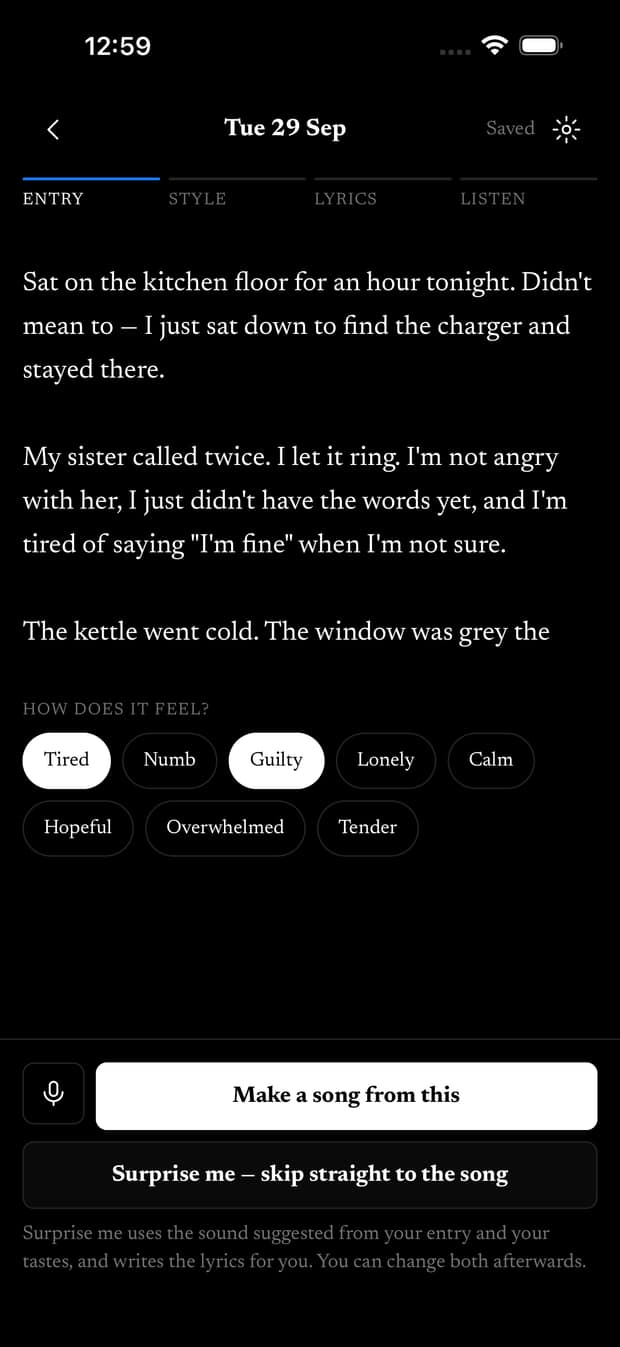
Step 1. Write
Write the true version.
Type or dictate, and review the words before they go in. Your entry saves as writing and stays that way unless you choose to make a song.
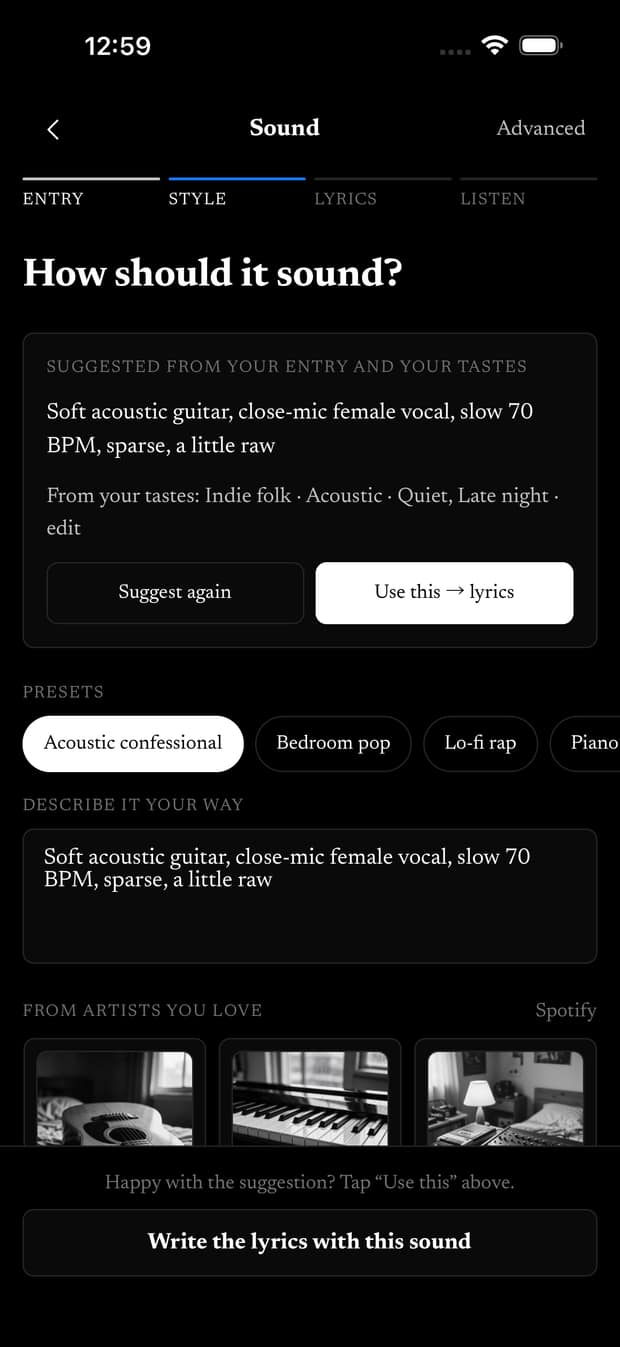
Step 2. Choose a sound
Say how it should sound.
Take a suggestion drawn from your entry, pick a preset, describe it in a sentence, or name artists you love.
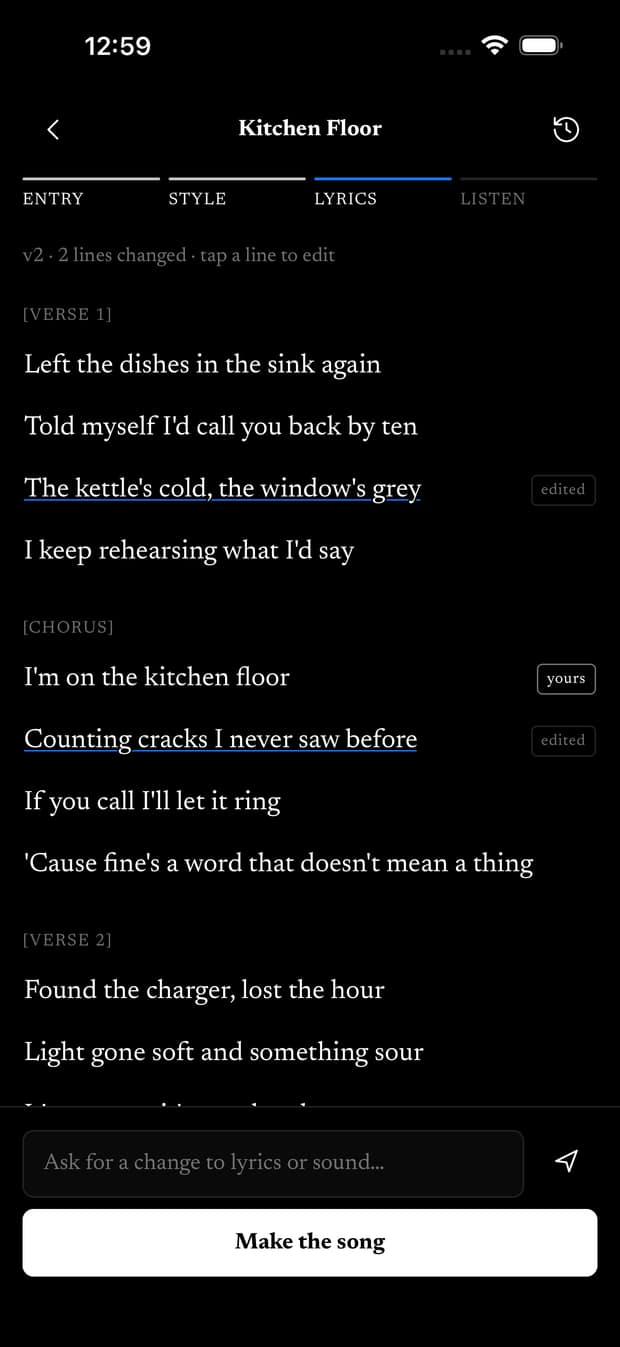
Step 3. Shape the lyrics
Make every line yours.
Start from a draft, edit any line, keep the exact words that matter, and see what changed between versions.
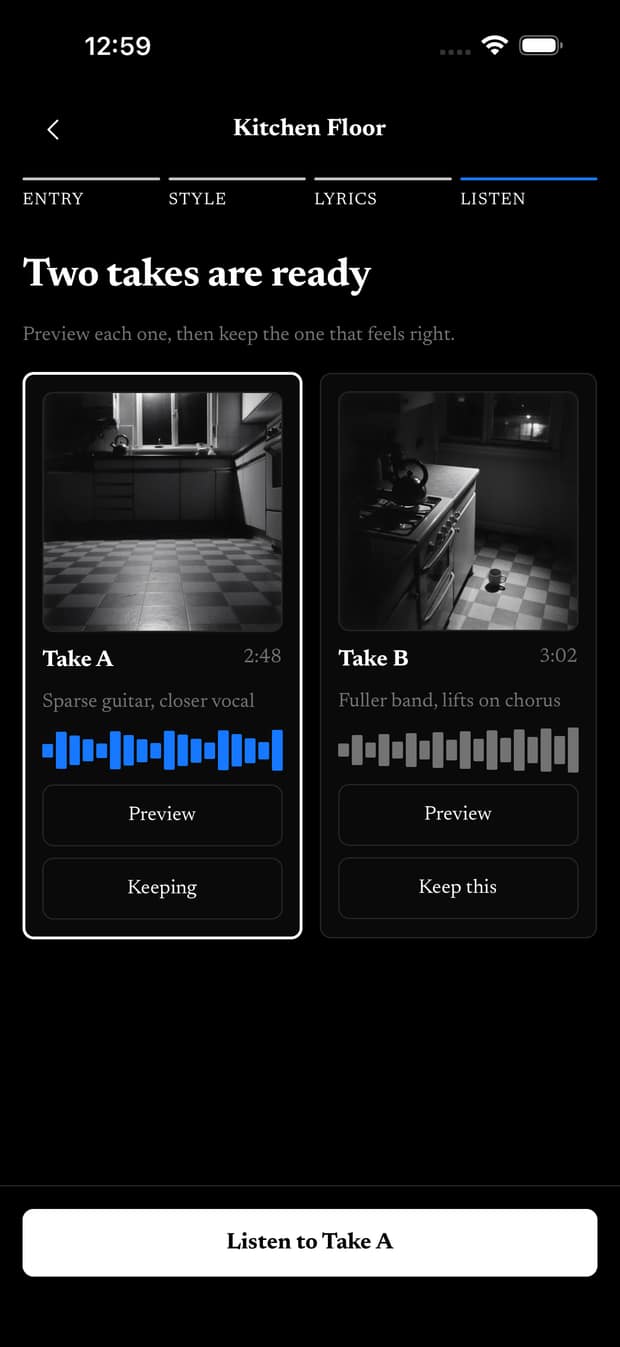
Step 4. Listen
Keep the take that feels right.
Approve the lyrics, compare the takes that come back, and keep the one that sounds like you. Try another sound without losing earlier takes.
A journal first. Everything else asks.
Write anything. Songs, reflections and sharing are each a choice you make, one at a time, and none of them happens on its own.
Read the privacy policySaving is not generation.
Saving an entry is just saving: no lyrics, no music, no AI. It stays writing until you choose to make it a song.
Your journal never goes to the music service.
When you ask for lyrics, your entry and any lyric-memory notes you turned on go to a text AI service to draft them. The music service receives only the lyrics you approved and your sound direction.
Reflection is a separate yes.
Go Deeper offers an optional AI perspective on what you wrote. It asks for its own permission, and reflections stay apart from your journal text.
Sharing a song doesn’t share your journal.
Share or download the audio or lyrics of one take you choose. The entry it came from stays with you.
Start free. Pay when you want more songs.
Writing is always free. A plan only changes how many songs you can make each month.
Free
5 songs to try, with no card and no expiry.
$0
Starter
30 songs every month.
$10a month
Plus
100 songs every month.
$20a month
Prices are in US dollars. Your allowance resets each month, and unused songs don’t roll over. Annual billing is available and costs less than twelve months.
Before your first song.
Does saving an entry start AI?
No. Saving stores your writing and nothing else. Lyrics, music and reflections each start only when you ask for them.
What does the music service see?
Only the lyrics you approved and the sound direction you chose. Your journal entry is never sent to it. Drafting lyrics uses a separate text AI service, which receives your entry when you ask for lyrics.
Do I need to write lyrics?
No. You write a journal entry the way you already would. The app drafts lyrics from it, keeps the words you mark as yours, and lets you edit any line.
Who can hear my songs?
You, until you choose to share a song. Sharing a song doesn’t include the journal entry it came from.
What will it sound like?
Whatever direction you give it. Take the suggestion built from your entry, pick a preset, describe a mood in a sentence, or borrow a style from artists you listen to. You get takes to compare and keep the one you like.
Can I change a song after it’s made?
Yes. Go back to the lyrics, edit lines, compare versions, and make another take. Earlier takes stay in your library.
Is the journal useful without songs?
Yes. Writing and dictating entries never use your song allowance, so the journal keeps working even when the songs run out.
Is this therapy?
No. Feel It Back is for creative expression and personal reflection. It is not therapy, crisis care, or medical advice.
Nothing to catch up on. Start with today.
One entry is enough. Write it now, and make it a song whenever you’re ready.